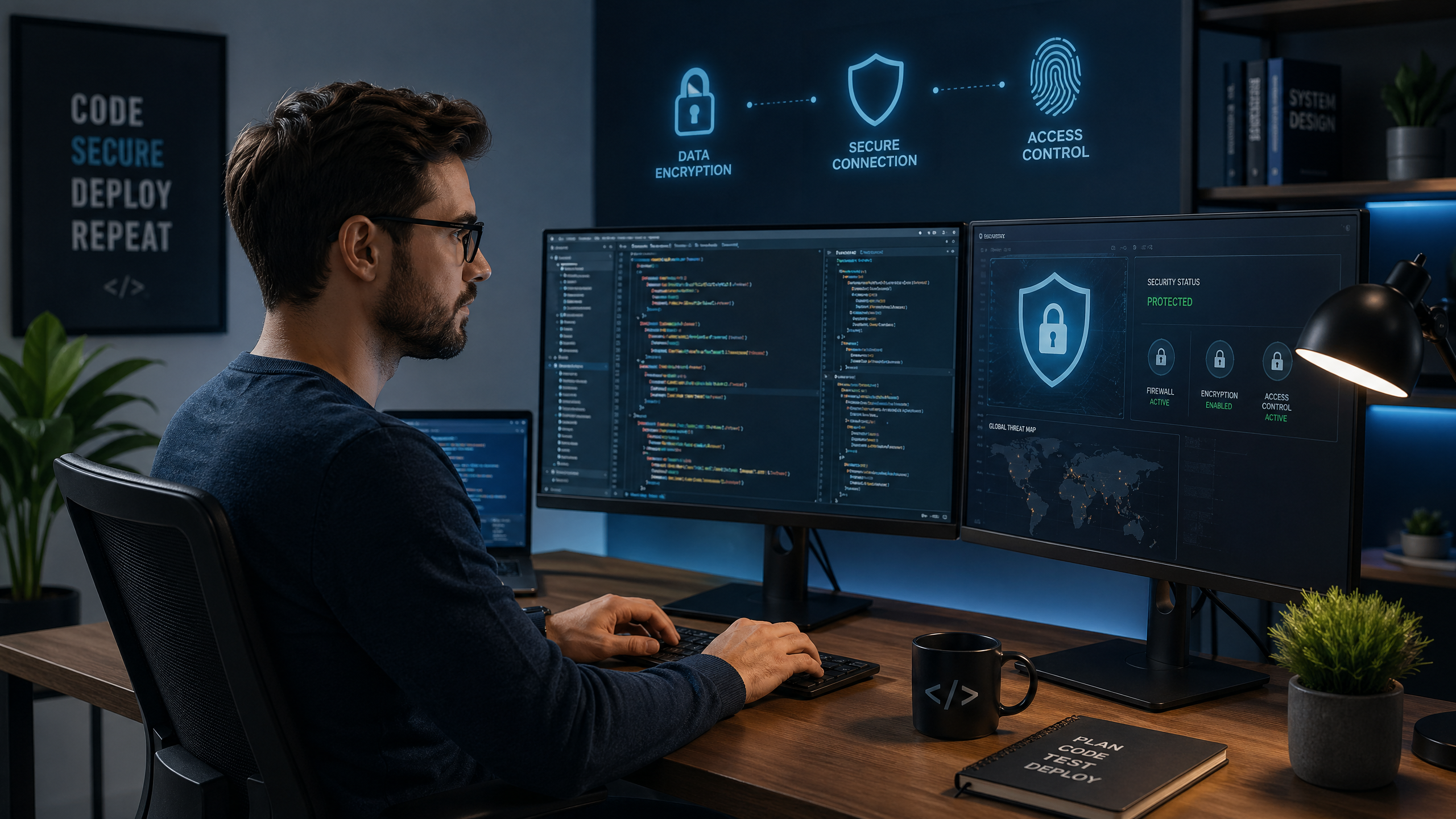
Secure Remote Work Guide: Privacy Tools Every Digital Employee Needs
Remote work has become an integral part of the modern professional landscape, offering unprecedented flexibility and opening new horizons for collaboration. However, this flexibility comes with increasing security and privacy challenges, especially when it comes to protecting sensitive company data and employees' personal information. As a digital employee, understanding and implementing the right privacy tools is not just an added advantage, but a crucial necessity to ensure a secure and reliable work environment.
Security Challenges of Remote Work
Working from home or any location outside the traditional office exposes employees and companies to a range of security risks:
- Insecure Wi-Fi Networks: Using public or insufficiently secured home Wi-Fi networks can make data vulnerable to interception.
- Bring Your Own Device (BYOD): Using personal devices for work blurs the line between personal and work data, increasing the risk of leakage.
- Phishing and Malware Attacks: Remote employees may be easier targets for phishing attacks aimed at accessing company data.
- Unauthorized Access: The absence of strict security measures can lead to unauthorized access to company systems.
- Security Awareness: Some employees may lack sufficient awareness of security risks and how to deal with them.
Essential Privacy Tools for Every Digital Employee
To overcome these challenges, remote employees must adopt a set of tools and practices that enhance their privacy and security:
1. Virtual Private Networks (VPN)
A Virtual Private Network (VPN) is an essential tool for protecting your privacy when connecting to the internet. A VPN creates an encrypted tunnel between your device and the internet, protecting your data from intrusion, especially when using public Wi-Fi networks. Every remote employee should use a reliable VPN when accessing company resources or handling sensitive data.
2. Password Manager
Strong and unique passwords are the first line of defense against unauthorized access. A password manager helps create and store complex passwords for all your accounts, eliminating the need to remember them and significantly increasing the security of your accounts. It also reduces the risk of using the same password for more than one service.
3. Multi-Factor Authentication (MFA)
Multi-Factor Authentication (MFA) adds an extra layer of security beyond just a password. MFA requires users to provide two or more forms of verification (such as a password and a code sent to the phone) before granting access. It should be enabled on all important work and personal accounts.
4. Temporary Email
Temporary email is an invaluable tool for maintaining the privacy of your primary email. When signing up for new services, downloading files, or participating in forums you don't fully trust, use a temporary email. This prevents your primary inbox from being filled with spam and protects it from potential phishing attacks. It reduces your digital footprint and keeps your professional email clean.
5. Antivirus & Anti-Malware Software
Your device should be equipped with robust antivirus and anti-malware software, and it should be regularly updated. These programs protect your device from malicious threats that could compromise your data or give hackers access to your system.
6. Encryption
Ensure that your sensitive data is encrypted, whether stored on your device or in transit. Many modern operating systems offer full disk encryption options. Cloud storage services that provide strong data encryption should also be used.
7. Regular Software Updates
Companies regularly release software and operating system updates to fix security vulnerabilities. Make sure to update all your software and operating system as soon as updates are available. This closes doors to hackers who exploit known vulnerabilities.
Additional Tips for a Secure Work Environment
- Separate Work from Personal Life: Use separate devices and accounts for work and personal life whenever possible.
- Data Backup: Regularly back up your important data.
- Social Engineering Awareness: Be wary of emails or phone calls that attempt to obtain sensitive information.
- Secure Your Router: Change the default password for your router and use strong encryption (WPA3 or WPA2).
Conclusion
Remote work offers great opportunities, but maintaining security and privacy requires vigilance and the use of the right tools. By adopting VPNs, password managers, MFA, temporary email, antivirus software, encryption, and regular updates, digital employees can build a secure work environment that protects their data and their companies' data. Investing in these practices is not just protection, but an investment in business continuity and peace of mind in the digital age.