How to Avoid Spam Forever? Smart Strategies for Managing Your Email
Imagine an email inbox free from unwanted messages, where you only receive the important emails you're waiting for. This is not a distant dream, but a reality that can be achieved through smart email management strategies. In this article, we will explore how you can get rid of the annoying flood of spam forever, focusing on the role of temporary email as an effective tool in this battle.
The Spam Problem: More Than Just an Annoyance
Spam messages are not just a daily nuisance filling our inboxes; they are a gateway to many security threats. Spam can contain phishing links aimed at stealing your personal information, malware that can infect your device, or even inappropriate content. Additionally, filtering these messages consumes valuable time and affects your productivity.
How Does Spam Reach Your Inbox?
There are several ways spammers can get your email address:
- Buying Email Lists: Huge lists of email addresses are bought and sold on the black market.
- Collecting Addresses from Public Websites: Spammers use special programs (Spam Bots) to collect addresses from forums, blogs, and social media sites.
- Signing Up on Untrusted Websites: When you sign up for certain websites or services, these sites may sell your data to third parties.
- Brute Force Attacks: Spammers guess common email addresses.
Temporary Email: Your Shield Against Spam
Temporary email is the ideal and most effective solution to combat spam. Instead of using your personal email every time you need an email address, you can use a temporary email that protects you from spam exposure.
How Does Temporary Email Protect You from Spam?
The idea is simple and effective: when you use a temporary email to sign up for a website, any unwanted messages will be sent to that temporary address, not your personal email. Once the temporary email expires, messages stop arriving completely, and your personal email remains clean and secure.
Practical Example: Suppose you want to sign up for a website to get a one-time discount, or to try a new service. Instead of giving your personal email, you can create a temporary email from 5mail.store. The confirmation or discount message will arrive at the temporary email, and after using it, you can dispose of the address without worrying about any future unwanted messages from that site.
Smart Strategies for Managing Your Email
In addition to using temporary email, there are other strategies you can follow to keep your inbox clean and secure:
- Be Cautious When Sharing Your Personal Email: Only share your personal email address with completely trusted entities.
- Use Temporary Email for Non-Essential Sign-ups: For any website or service that doesn't require a long-term commitment, use a temporary email.
- Look for Unsubscribe Options: Most marketing emails contain an "Unsubscribe" link. Use it to get rid of unwanted messages.
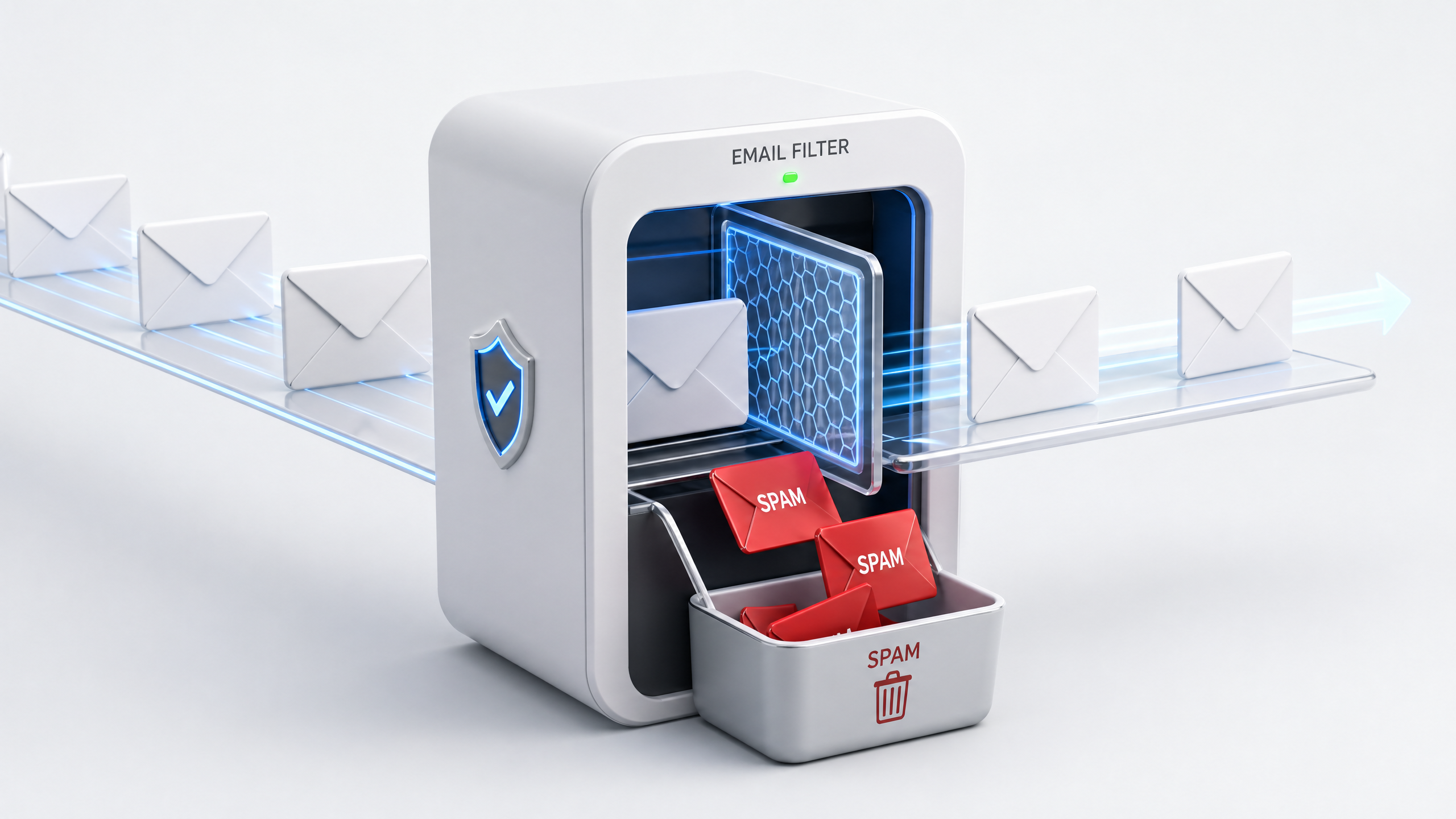
- Use Spam Filters: Make sure your main email service's spam filters are activated. These filters do a good job of blocking most unwanted messages.
- Do Not Reply to Spam: Replying to a spam message confirms to the sender that your address is active, which may increase the number of messages you receive.
- Do Not Click Suspicious Links: Avoid clicking on any links in suspicious-looking messages, as they may be phishing links.
5mail.store: Your Partner in the Fight Against Spam
5mail.store offers a simple and effective solution to help you combat spam. Through its easy-to-use interface, you can:
- Create a temporary email in seconds.
- Receive messages instantly.
- Dispose of the address once you're done using it.
- Keep your personal email clean and secure from spam.
Conclusion
Spam is a real problem, but it's not an unsolvable one. By adopting smart email management strategies, especially using temporary email, you can regain control over your inbox, protect your privacy, and avoid security threats. Make 5mail.store a part of your digital routine, and enjoy a calmer, more secure, and spam-free internet experience forever.